All guides
Change your plan and add devices
How to switch to a different plan and increase the number of simultaneous connections.
Who it’s for: You need more devices or a different plan
Open the plan switcher
Press “Сменить тариф” (Change plan) on the subscription card in your dashboard.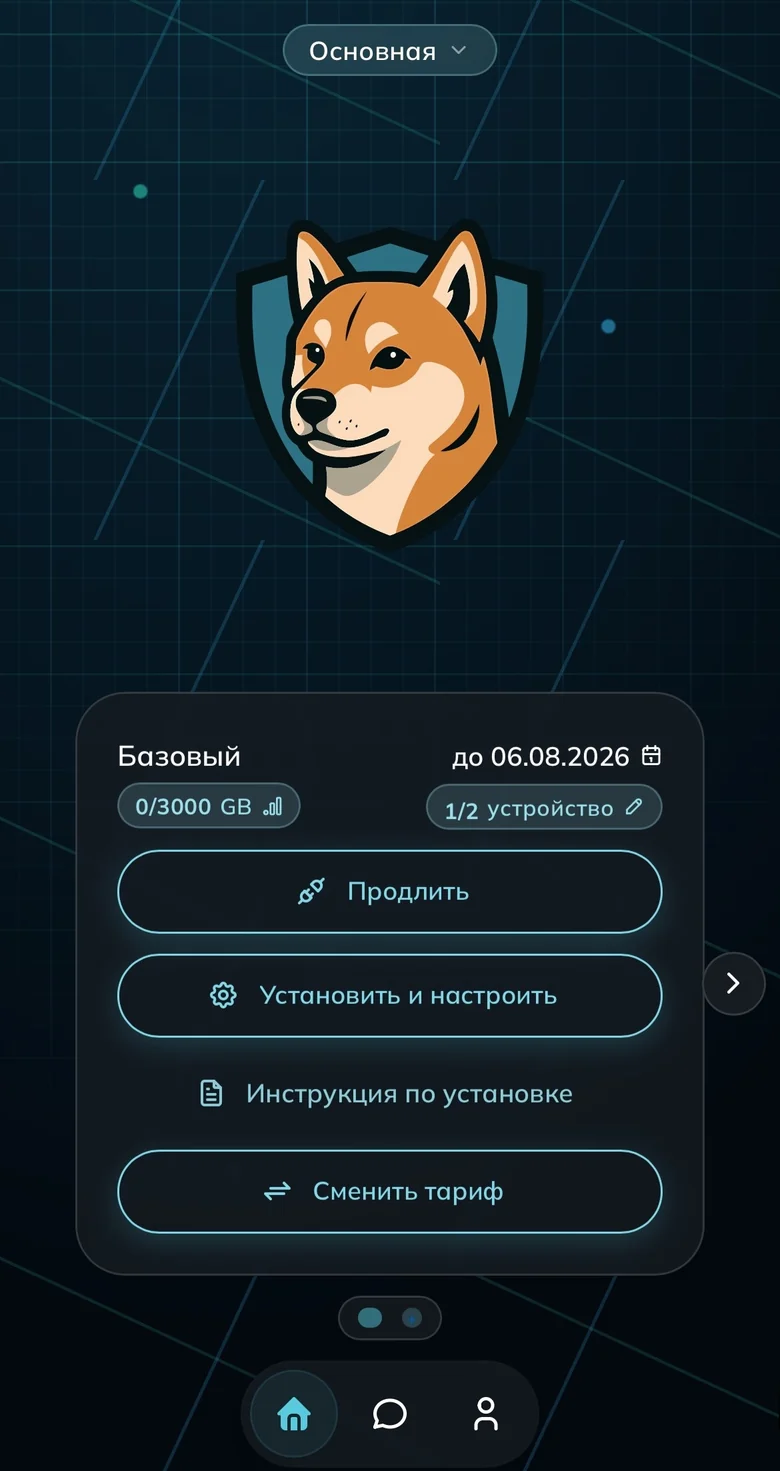
The “Сменить тариф” button on the card Pick a plan and term
Time left on your current plan isn’t lost — it’s converted into the new one. When moving to a more expensive plan the system calculates the top-up for the remaining days itself.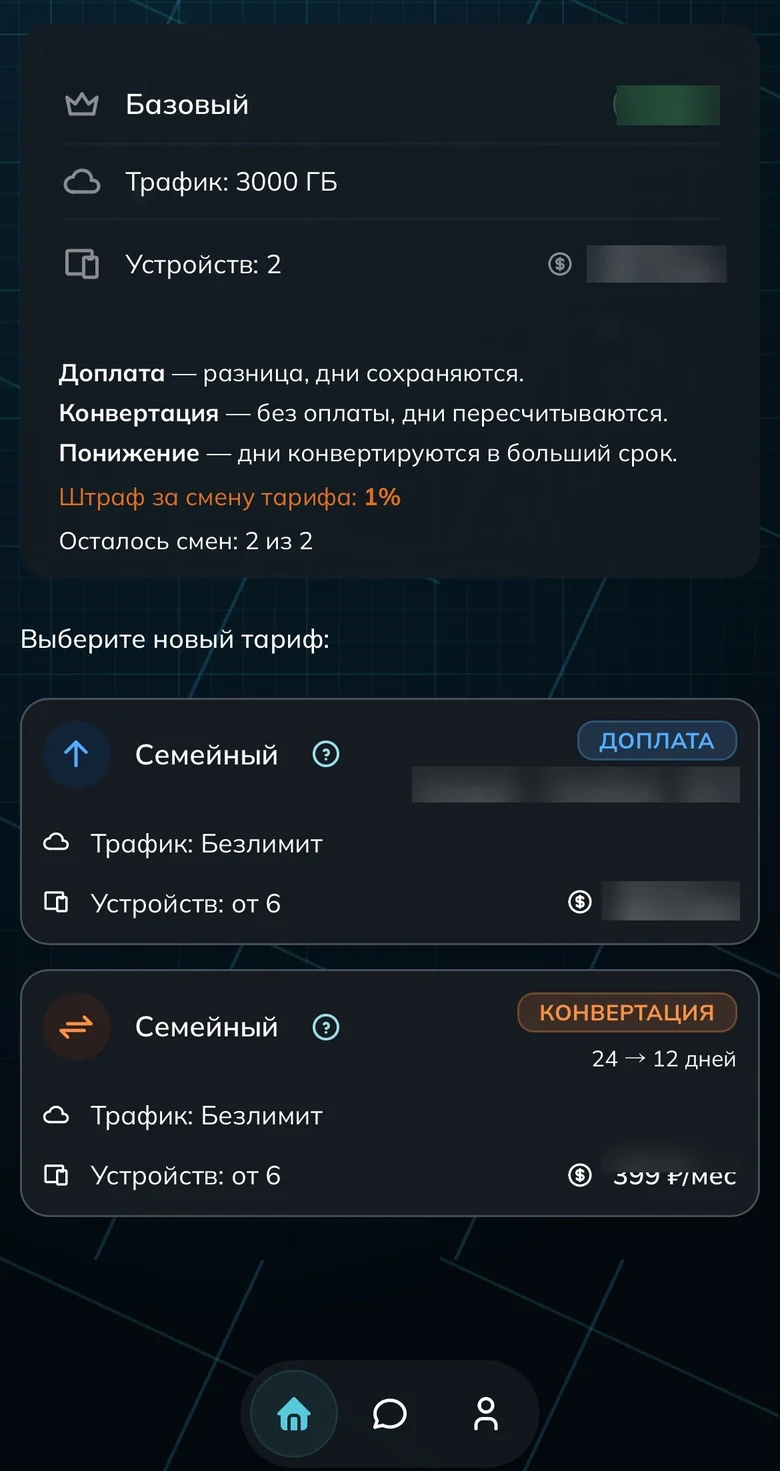
Choosing a new plan 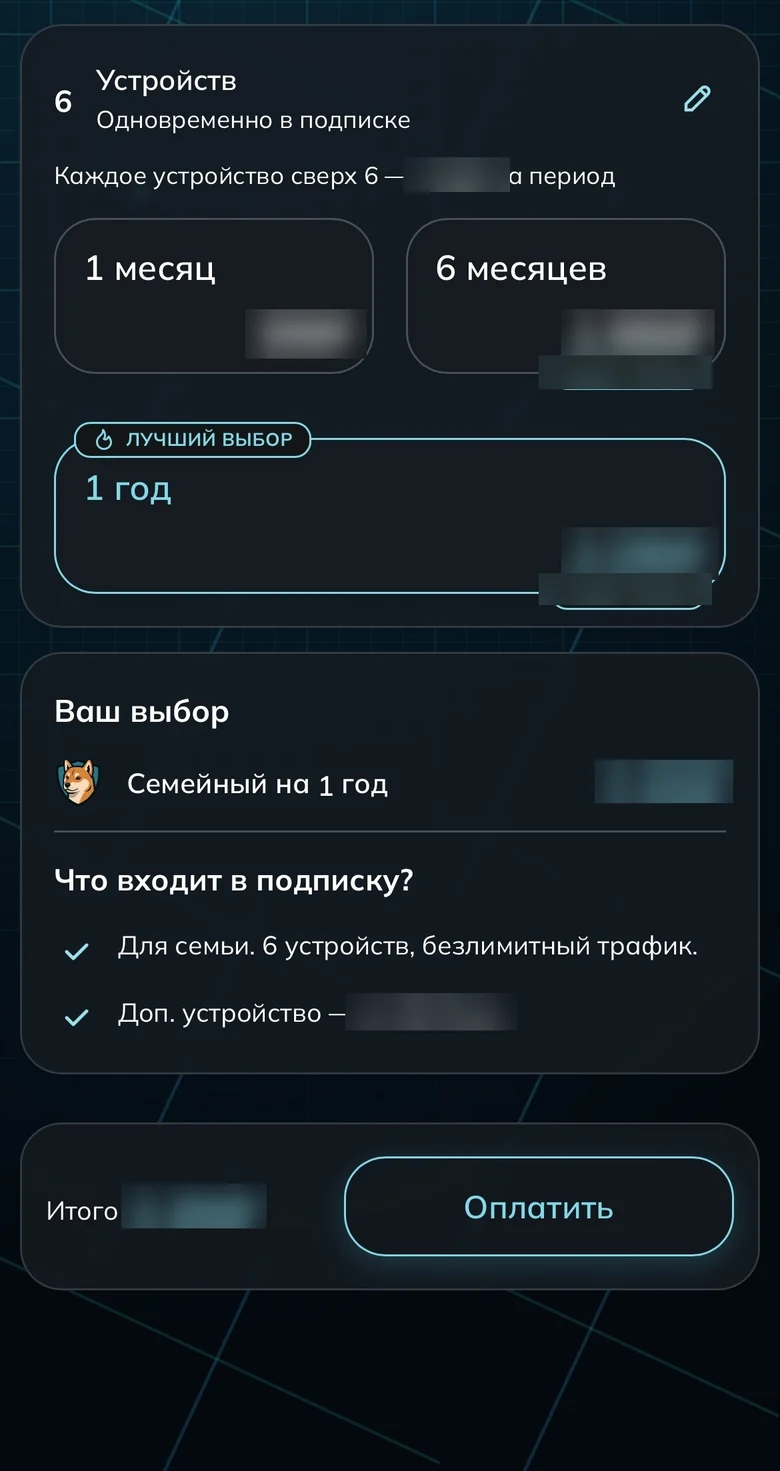
Term for the new plan Add devices without changing plan
Happy with the plan but short on device slots? Raise just the slot count with the slider.
Top-up for extra devices
Done
Common questions
What happens to the days I already paid for?
Nothing is lost: the remainder is converted into the new plan. That’s why moving to a pricier plan only costs you the difference for the time left.
How many times can I switch plans?
The number of switches is limited — the counter is shown right on the picker. It’s there to prevent abuse from switching back and forth.
Ready to join?
5
dayson us
Sign up and try UnderVPN on every device — no payment upfront.
- No card to start
30-second signup