All guides
Payments and auto-renewal
How to pay for your subscription, enable or disable auto-renewal, apply a promo code and check your history.
Who it’s for: Renewals, payment methods, promo codes
Renew your subscription
Press “Продлить” (Renew) on the subscription card and pick a term: the longer the period, the lower the monthly price.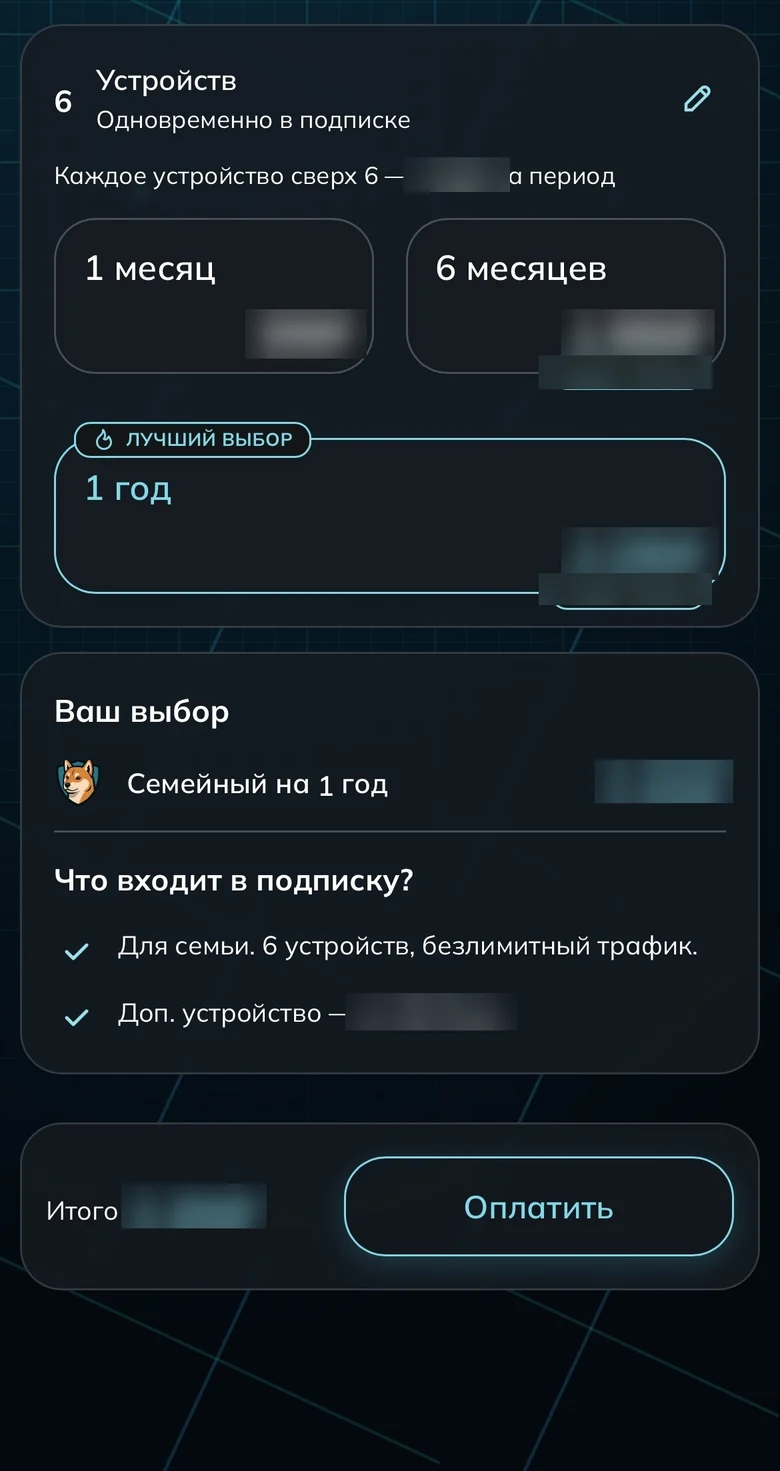
Longer terms bring the monthly price down Confirm the payment
Payments go through SBP — by QR or straight from your banking app. No card required.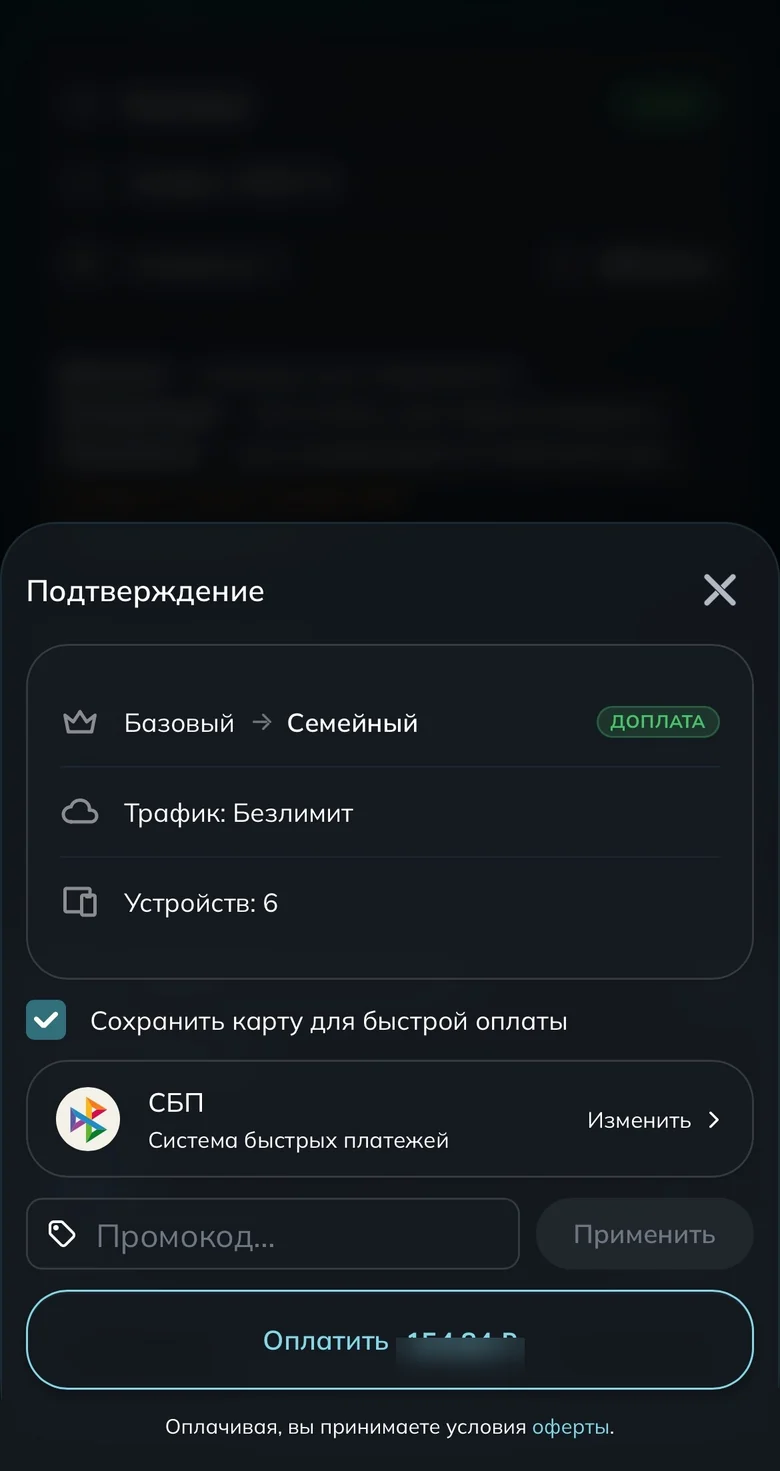
Confirming payment via SBP Set up auto-renewal
Switch the toggle on and the subscription renews itself. The same toggle turns it off; saved payment methods are removed with the bin icon.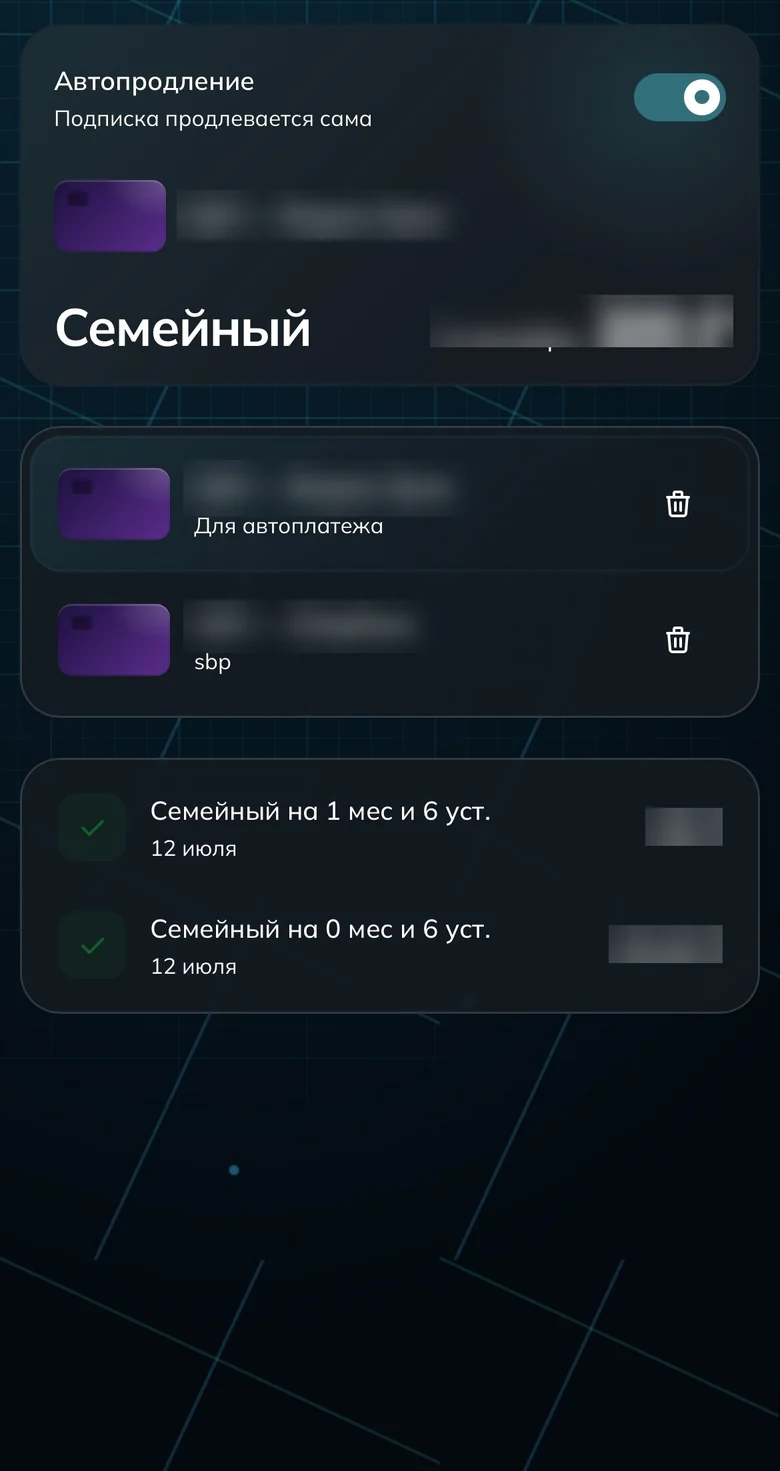
Auto-renewal and saved payment methods Apply a promo code
Promo codes are entered in a separate dialog and apply to your next purchase. If a code is rejected, check its expiry date and your keyboard layout.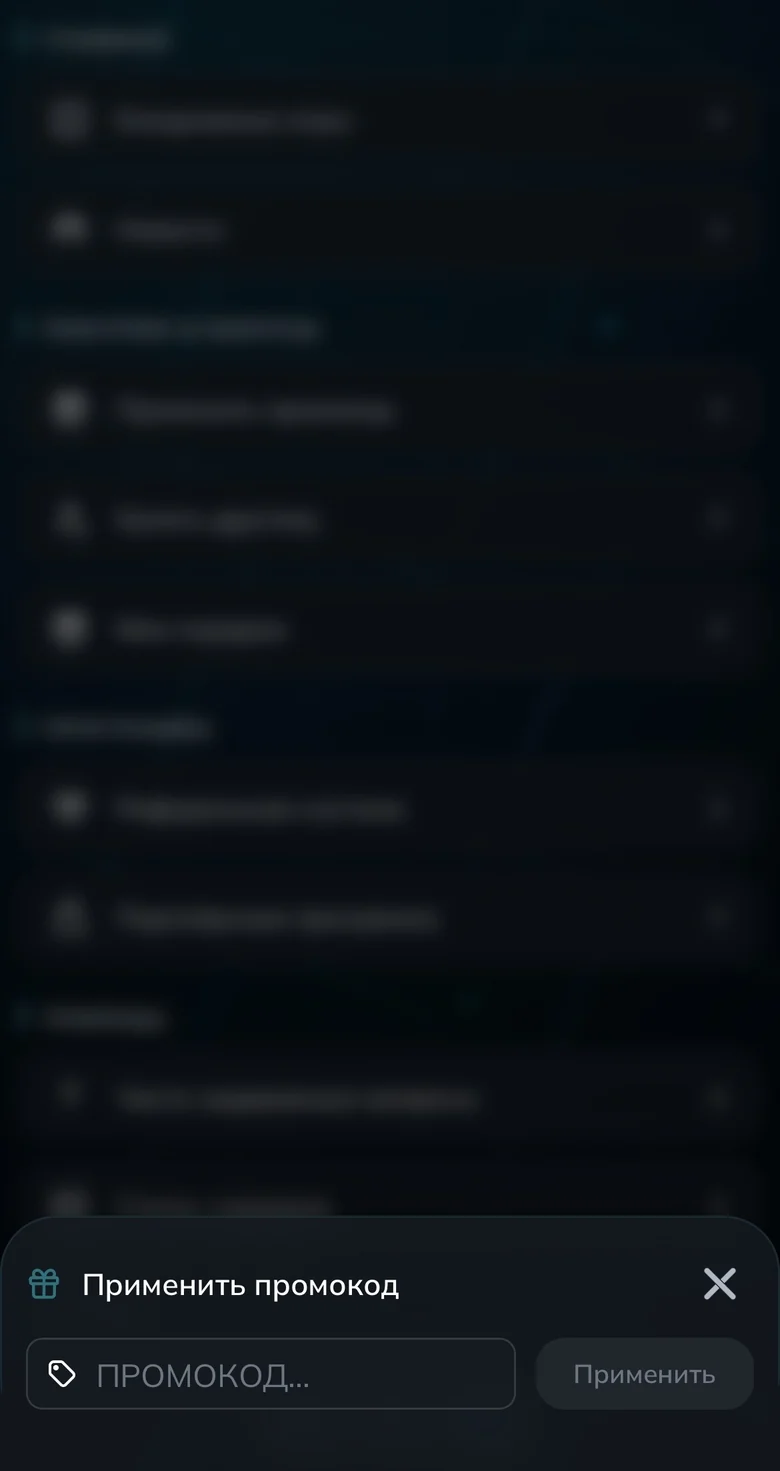
Entering a promo code Check your payment history
Open the payments section. If your bank charged you but access didn’t extend, show support this screen.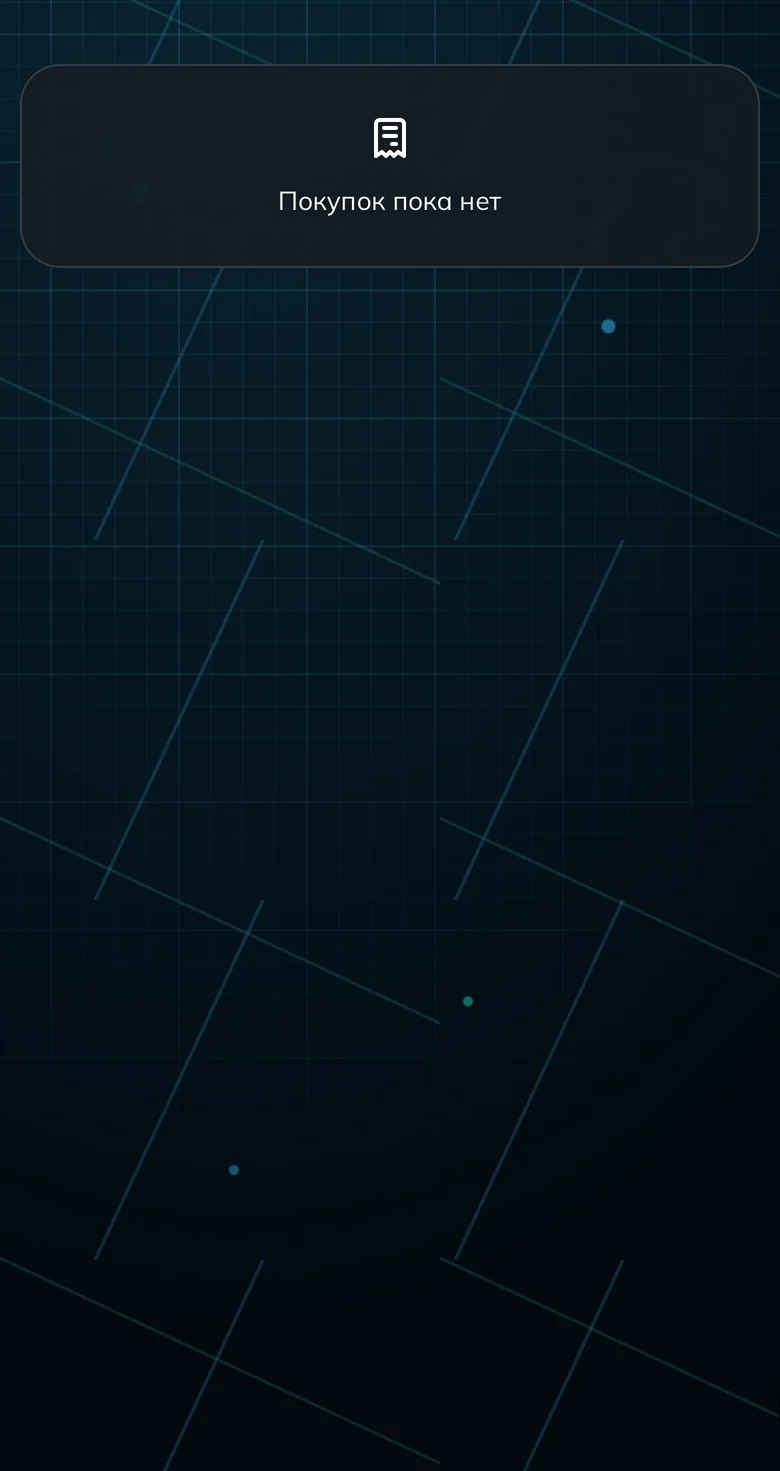
Payment history
Done
Common questions
I paid but the subscription didn’t extend
It usually takes a couple of minutes at most. If it takes longer, open your payment history and message support — just the fact of the charge is enough, no card details needed.
How do I turn off auto-renewal?
With the toggle on the auto-renewal screen. You don’t lose access — the subscription simply won’t renew itself once the paid period ends.
Ready to join?
5
dayson us
Sign up and try UnderVPN on every device — no payment upfront.
- No card to start
30-second signup