Signing in and account security
How to sign in, link several sign-in methods and avoid losing access to your account.
Who it’s for: Sign-in, linked accounts, account recovery
Link at least two sign-in methods
If you only sign in with one account and lose access to it, getting your subscription back is painful. A couple of extra links prevent that in under a minute.
Open your profile
Press the person icon on the right of the bottom bar.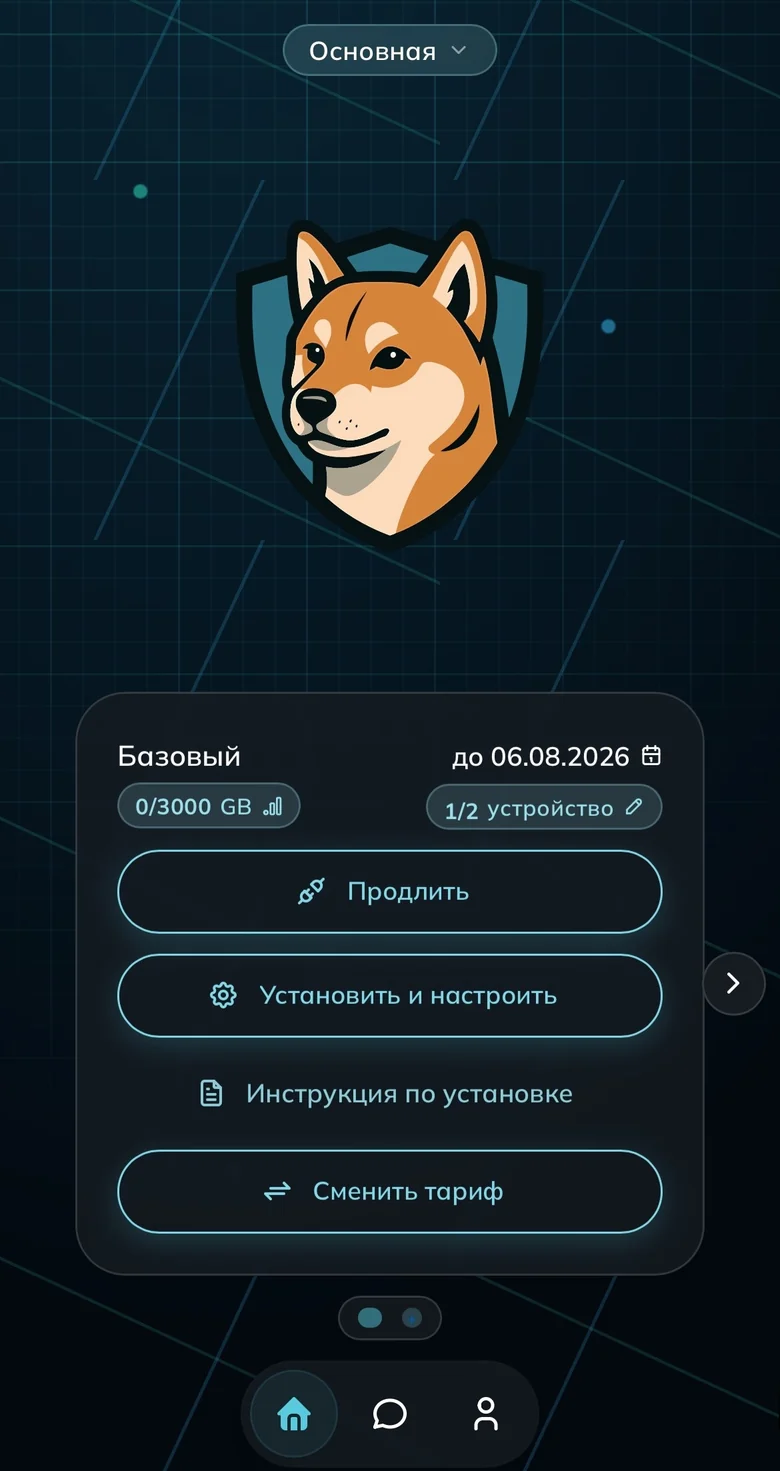
The profile icon in the bottom bar 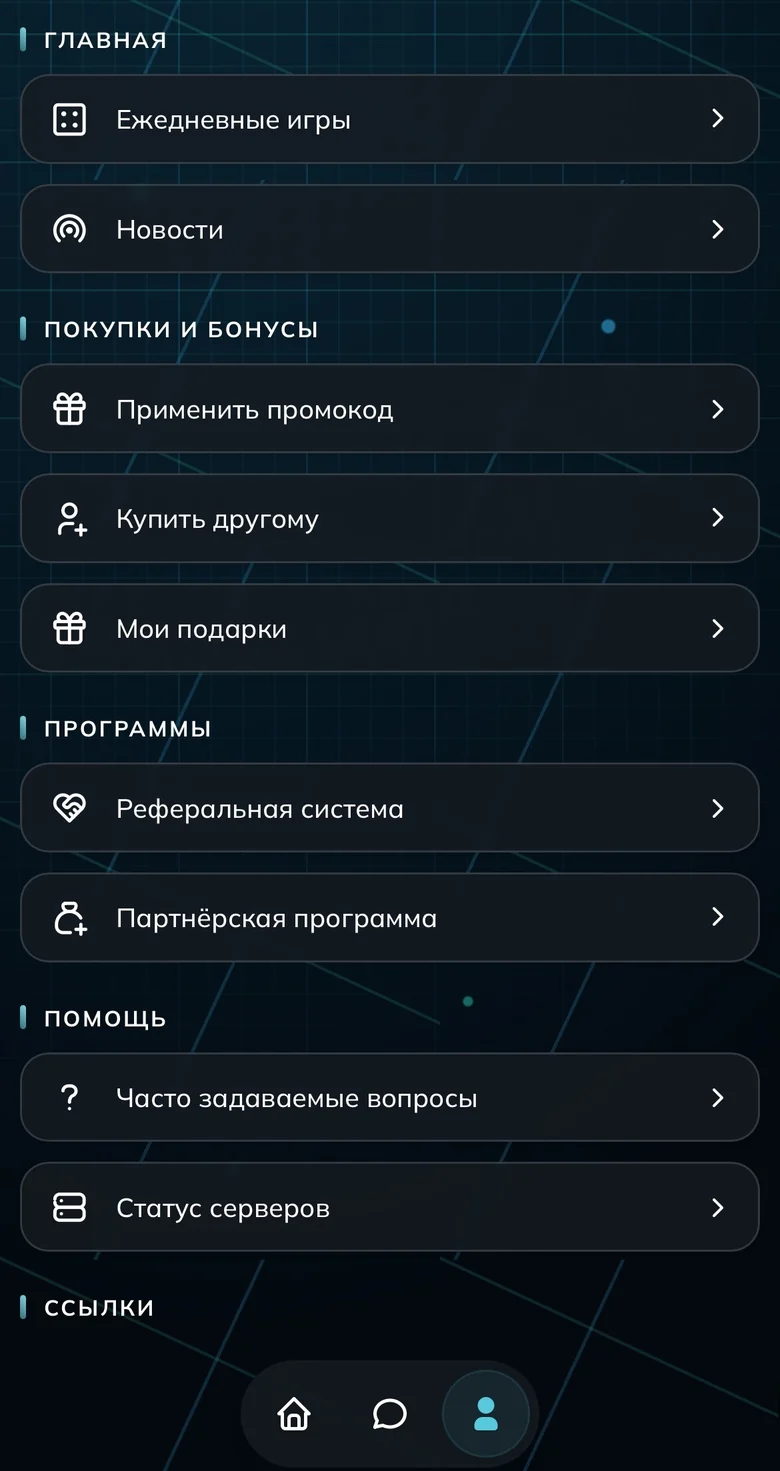
Profile menu, upper part 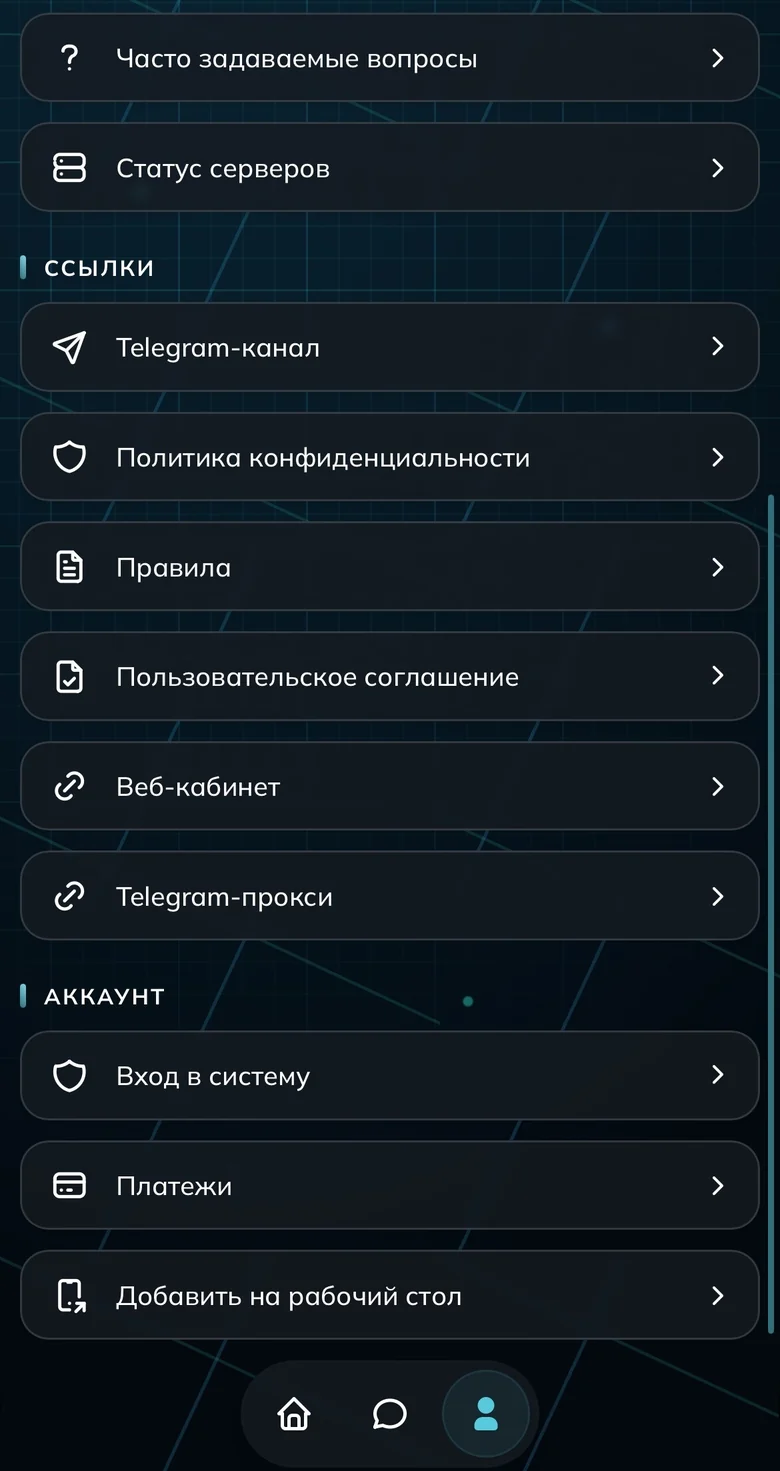
And the lower part — payments and sign-in Link your sign-in methods
Press “Привязать” (Link) next to the method you want: email, Telegram, Google, Yandex, VK, Apple.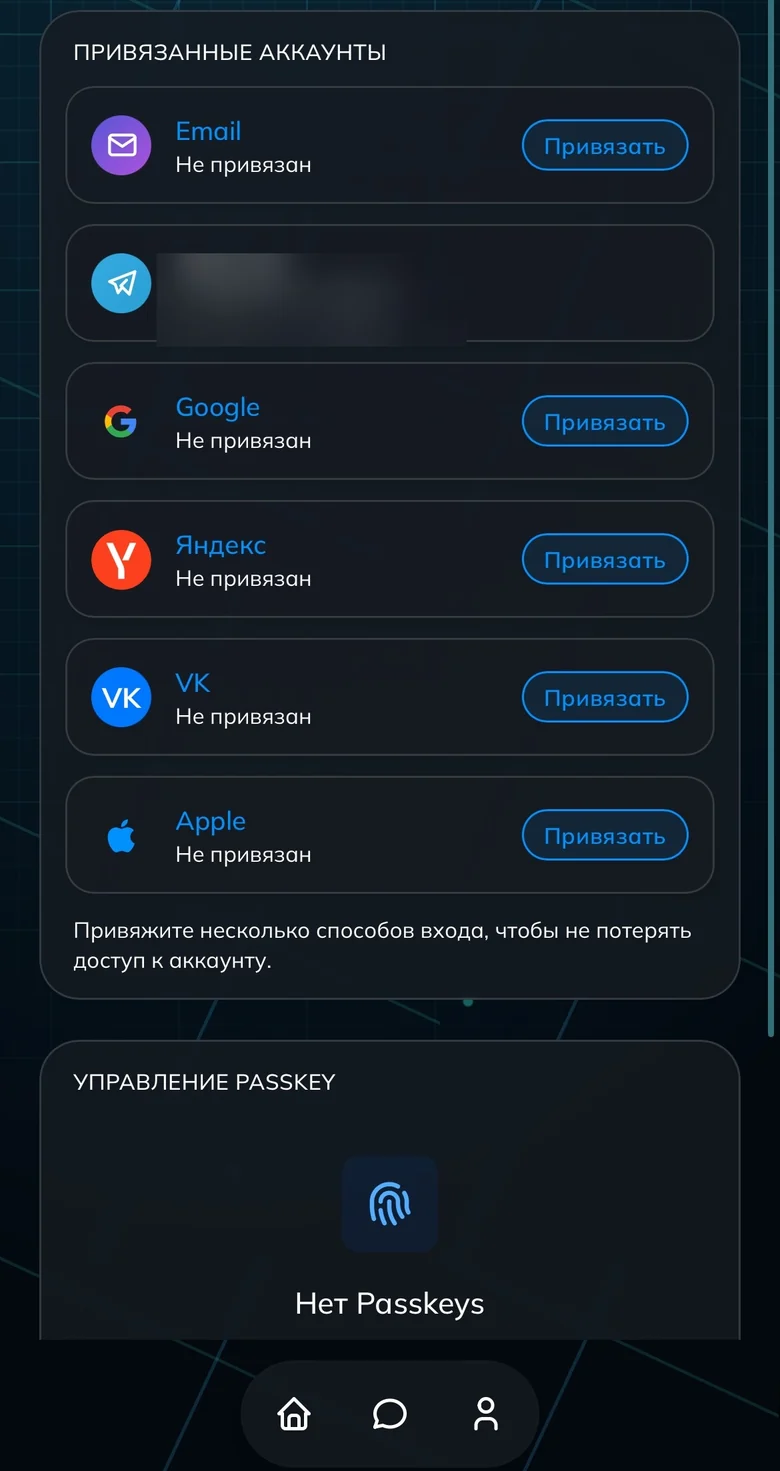
Linked sign-in methods Check that sign-in works
Sign in both ways once — in the Telegram bot and in a browser. It is one account with one subscription.No subscription in the dashboard? You signed in to another account
The dashboard accepts six sign-in methods: email, Telegram, Google, Yandex, VK and Apple. Until you link them together they are separate accounts, and a payment stays in the one it was made from.
How to spot it: the dashboard shows no subscription, or a trial one, while the app still has plenty of days left. That means the app is connected to a subscription in another account of yours, and no money is lost.
Recall which method you used when you paid and sign in with it. If someone else set the VPN up for you, they know the method.
If you cannot recall it, open the app, copy the subscription link from the profile list and send it to support: it lets us find the right account. Do not forward that link to anyone else, it grants access to your VPN.
Done
Common questions
Are the bot and the website different accounts?
I lost access to my sign-in account
Support says my account has no paid subscription
Someone else set up the VPN for me. Where is my subscription?
I have two accounts. Can they be merged?
Sign up and try UnderVPN on every device — no payment upfront.
- No card to start
30-second signup