All guides
Installing on macOS
Installing FlClashX on a Mac: system permission, subscription and fallback apps.
Who it’s for: Mac owners installing the app for the first time
Each app counts as a separate device
FlClashX and RabbitHole on one Mac take two slots of your plan's limit. Remove records you no longer need in the dashboard, under “Устройства” (Devices).
The menu bar icon
Switch the connection on and off from the menu bar icon; closing the window does not quit the app. If your internet is gone after it quit, reopen it and turn the connection off inside.
Download FlClashX through the “Установить и настроить” wizard
The wizard opens in your dashboard and gives you the right build. Double-click the downloaded .dmg and drag the icon into Applications. Launch it from there afterwards.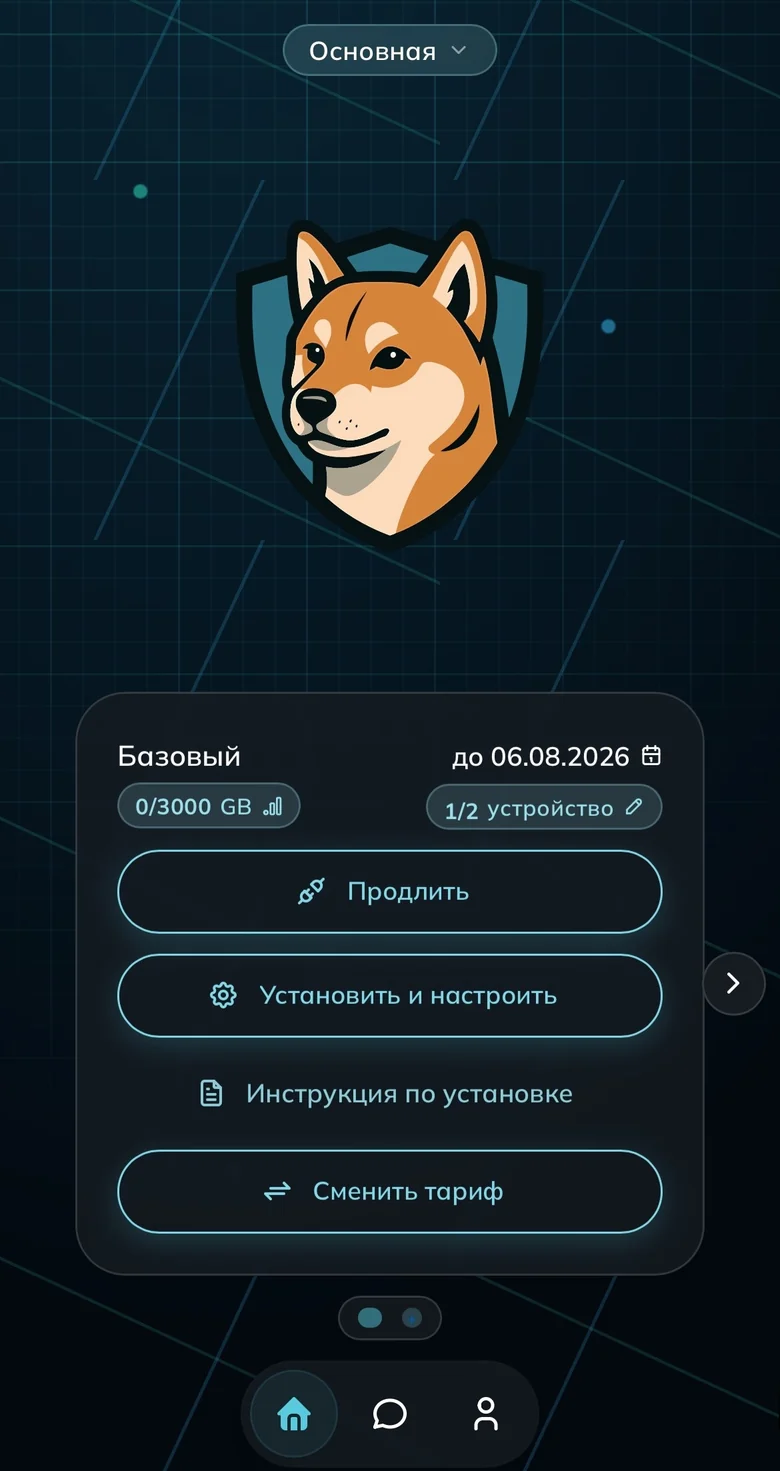
The “Установить и настроить” button on the subscription card 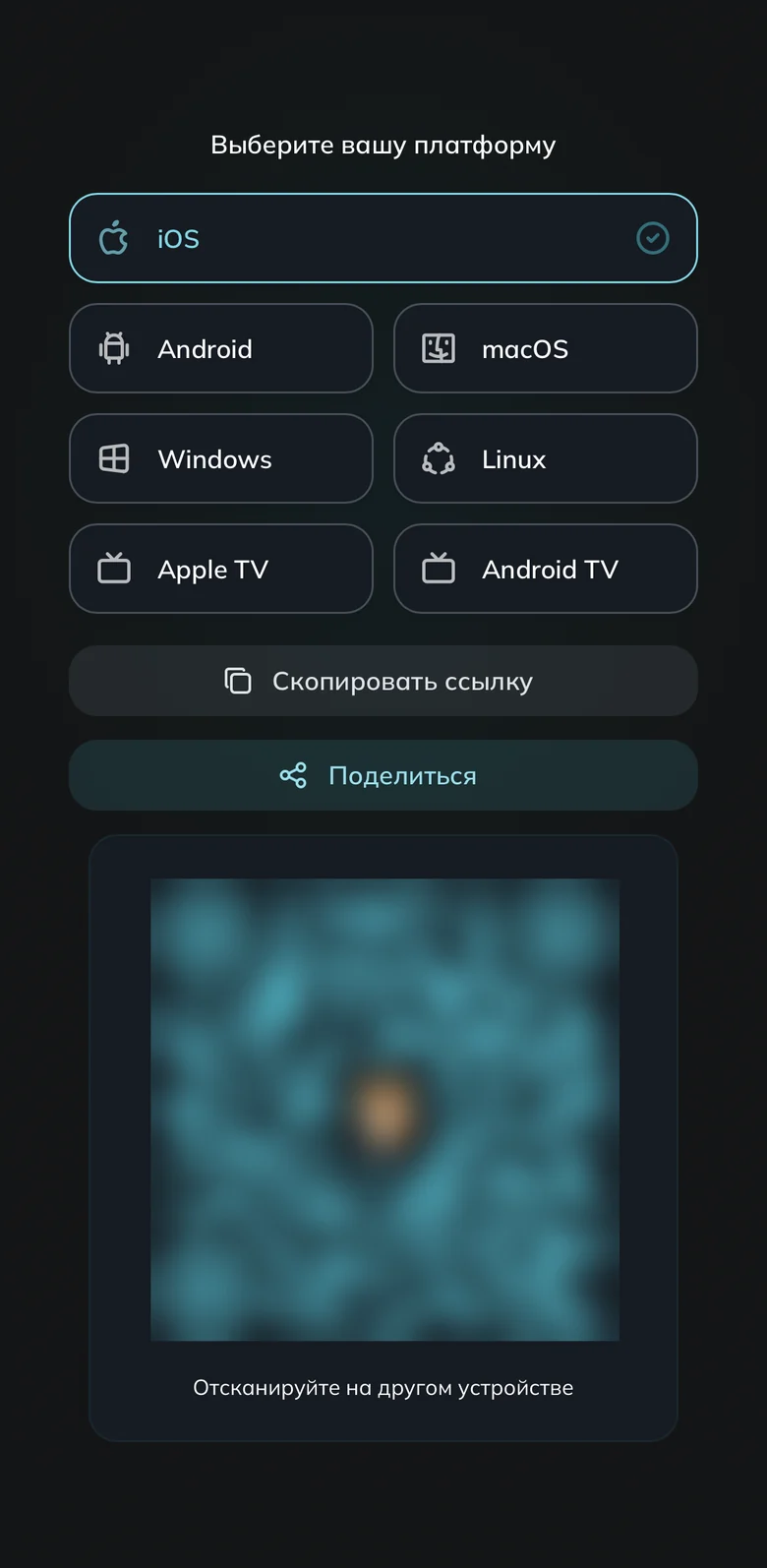
Pick the macOS tile Let the system open the app
If macOS refuses to open the app, open System Settings → Privacy & Security. Scroll down to the blocked app, press the button next to it (Open Anyway) and enter the administrator password. If it is missing, launch the app again and return to Settings.Add your subscription — otherwise the app is empty
In the wizard press “Добавить подписку” (Add subscription) — the profile lands in the app itself. If not, open “Другое устройство” → “Скопировать ссылку”, then “Добавить из буфера обмена” in the app. How to connect a second device. macOS asks for an administrator password.Downloading from /en/download/ — check your chip
If you take the file from /en/download/, open the Apple menu → About This Mac: a Chip line means Apple Silicon (M1+), a Processor line with Intel means the Intel variant. The same window shows your macOS version.If FlClashX does not work out — RabbitHole and the fallbacks
Install RabbitHole from the App Store — needs macOS 15 (Sequoia) or later. The rest: INCY needs M1+, Happ via the wizard button, Koala a last resort. Allow the VPN configuration request from App Store apps, confirming with your password or Touch ID.
Done
Common questions
How do I know I downloaded the wrong build?
An Apple silicon build will not start on an Intel Mac; an Intel build on Apple silicon opens quietly through Rosetta. Check the Chip or Processor line in About This Mac, drag the wrong app from Applications to the Trash and install the matching variant.
The servers are gone or the list is out of date
In FlClashX open “Профили” (Profiles) → the three dots on the subscription card → “Обновление” (Update), then reconnect. If the list is empty, go back to step three. If you see rows of zeroes, update the app, delete the profile and add the subscription again.
Ready to join?
5
dayson us
Sign up and try UnderVPN on every device — no payment upfront.
- No card to start
30-second signup